Removing a DNS record on an existing domain
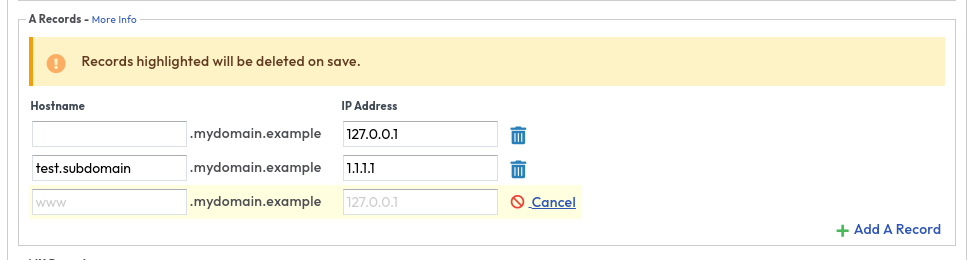
Firstly make sure you are logged into the ANS Glass and navigate to SafeDNS > View Zones and select your domain. Once you have a list of your records you can click on the trashcan next to the record and once you have removed all the records you need to finally click apply changes.
CLI
ans safedns record list mydomain.example #Note the ID
ans safedns record delete mydomain.example <ID>
note
If you wish to remove a NS record while protected by DDoSX you will need to turn off DDoSX protection first as you will receive the following error
Error removing record [<ID>]: unexpected status code (422): title="Record protected", detail="Record '<ID>' is protected and cannot be changed", status="422", source=""
If this is not possible please raise a support request in https://ans.glass